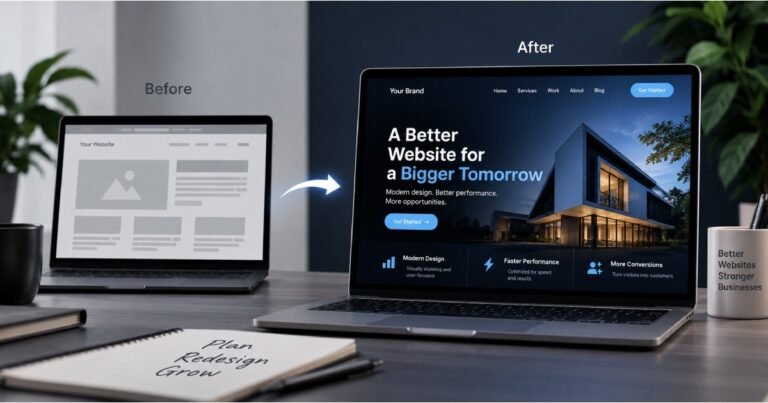

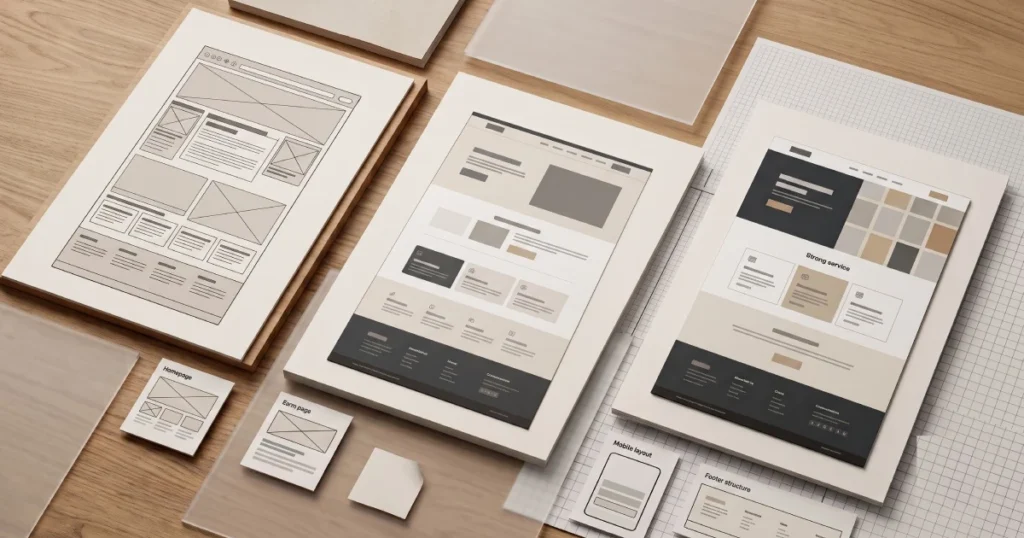
Your website may not need to be completely replaced just because it looks outdated.
Sometimes a redesign is enough. Other times, the problems go deeper and rebuilding the website from the ground up makes more sense.
The difference matters because choosing the wrong approach can waste time and money. A business might spend heavily redesigning a website only to discover that the underlying platform, code, structure, or functionality still limits what it can do.
On the other hand, completely rebuilding a website when a few strategic improvements would have solved the problem can also be unnecessary.
So, how do you know whether your business needs a website redesign, a complete rebuild, or even a platform migration?
Let’s break it down.
Not Sure If You Need a Redesign or Rebuild?
Before spending money on a new website, understand what actually needs to change. Zelthra can help assess your current website and recommend the right approach for your business.
What Is a Website Redesign?
A website redesign generally means improving the existing website while keeping much of its underlying structure or technology.
The goal is to improve how the website looks, feels, and works without necessarily starting everything from scratch.
A redesign might include:
- Updating the visual design
- Improving typography
- Changing colours and spacing
- Improving navigation
- Updating page layouts
- Improving mobile responsiveness
- Reworking calls to action
- Updating content sections
- Improving the user experience
- Refreshing the overall brand presentation
For example, if your website is built on a suitable CMS and the underlying structure is still in good condition, you may not need a completely new website.
A strategic redesign could be enough.
What Is a Website Rebuild?
A website rebuild goes much deeper.
Instead of mainly changing the appearance, the website is reconstructed using a new structure, development approach, theme, components, or technology.
A rebuild may involve:
- Rebuilding page templates
- Changing the CMS
- Replacing a theme
- Reworking the website architecture
- Rebuilding custom functionality
- Restructuring URLs
- Rebuilding forms and integrations
- Improving technical SEO
- Reworking performance
- Migrating content
- Creating a new responsive system
A rebuild makes more sense when the existing website has technical or structural problems that a visual redesign alone won’t solve.
Website Redesign vs Website Rebuild
The easiest way to think about the difference is:
Redesign = improve the existing website.
Rebuild = create a new technical foundation for the website.
Here’s a simple comparison:
| Website Redesign | Website Rebuild |
|---|---|
| Focuses mainly on design and UX | Focuses on design and technical foundation |
| Existing platform may remain | Platform or architecture may change |
| Existing components may be reused | Components may be rebuilt |
| Usually less disruptive | Requires more planning |
| Suitable for smaller improvements | Suitable for deeper problems |
| Often faster | Usually requires more development |
Neither option is automatically better.
The right choice depends on what’s wrong with your current website.
10 Signs Your Website May Need More Than a Simple Redesign
Sometimes the visual design is only the visible part of a much bigger problem.
Here are some signs that a rebuild may be worth considering.
1. Your CMS Is Limiting Your Business
If your team constantly struggles to create pages, update content, or manage the website, the problem may be the platform itself.
A redesign won’t necessarily solve that.
You may need to move to a CMS that better fits your requirements.
2. The Website Is Difficult to Maintain
If every small change requires developer involvement, your current setup may not be structured properly.
A rebuild can provide reusable components and a cleaner CMS experience.
3. The Website Performs Poorly
If the website remains slow even after basic optimisation, there may be deeper issues with the code, theme, plugins, hosting, scripts, or architecture.
In that situation, rebuilding the technical foundation may be more effective.
4. The Website Isn’t Properly Responsive
Older websites sometimes rely on layouts that weren’t designed for today’s range of screen sizes.
If mobile requires extensive fixes across dozens of pages, rebuilding the responsive system may make more sense.
5. The Website Has Too Many Plugins or Third-Party Dependencies
This is particularly common with older WordPress websites.
Over time, a website can accumulate plugins and integrations that create conflicts, security concerns, or performance problems.
A rebuild can provide an opportunity to simplify the setup.
6. The Website Structure Is Confusing
If your pages have grown without a clear structure, visitors may struggle to find important information.
A rebuild gives you the opportunity to rethink:
- Navigation
- Page hierarchy
- Service categories
- URLs
- Content relationships
- Internal linking
7. The Website Doesn’t Support Your Current Business
Your business may have changed significantly since the website was originally built.
You may now have:
- More services
- New products
- New markets
- Different customer types
- New lead-generation requirements
- New integrations
If the website wasn’t designed to accommodate these changes, a rebuild may be the better option.
8. Your Existing Theme Is Holding You Back
A theme can make development faster, but an outdated or poorly structured theme can eventually become a limitation.
If you’re constantly fighting against the theme to achieve basic layouts or functionality, rebuilding with a better foundation may be worthwhile.
9. You Want to Move to a Different Platform
Sometimes the problem isn’t the design at all.
Your business may simply have outgrown the current platform.
For example, you might want to move:
Framer → HubSpot
WordPress → Webflow
An old WordPress setup → a modern WordPress build
A platform migration requires much more than changing the appearance of the website.
10. The Website Has Accumulated Too Many Technical Issues
If the website has years of accumulated problems, fixing them individually may become inefficient.
A rebuild can give you the opportunity to start with a cleaner foundation.
When Is a Redesign Enough?
A redesign may be the better option when the underlying website is still healthy.
Consider a redesign if:
- The CMS works well
- The website loads reasonably quickly
- The existing code is maintainable
- The URLs are already structured properly
- Your integrations work
- The website is responsive
- You mainly need visual improvements
- Your business requirements haven’t changed dramatically
In this situation, rebuilding everything may create unnecessary work.
A focused redesign can deliver a significant improvement without replacing the entire technical foundation.
When Should You Rebuild From Scratch?
A rebuild becomes more attractive when the problems are structural.
For example:
Your website may have a great-looking design, but if the CMS is difficult to manage, the code is outdated, the theme is restrictive, and the site has years of technical issues, simply changing the visual design won’t solve the underlying problems.
A rebuild allows you to rethink the website from the ground up.
This can include:
- New architecture
- New components
- New templates
- Better responsive behaviour
- Cleaner code
- Better performance
- Improved SEO foundations
- Better CMS editing experience
When Does a Website Migration Make More Sense?
A migration is different again.
If the current platform isn’t suitable for your long-term requirements, you may need to move the website to another platform.
For example, we recently worked on a project where an existing Framer website was migrated to HubSpot, along with HubSpot email and automation.
That type of project requires careful planning around:
- URLs
- Content
- Metadata
- Redirects
- Forms
- Integrations
- Responsive layouts
- SEO
- Analytics
- Marketing automation
A migration can also be an opportunity to rebuild parts of the website rather than simply copying everything exactly as it was.
Should You Keep Your Existing CMS?
Not always.
Before rebuilding, ask whether your current platform still makes sense for your business.
WordPress
WordPress can be a strong option when you need flexibility, custom development, content management, integrations, and a large ecosystem.
Webflow
Webflow can be a good fit for design-focused business websites that need strong visual control and managed hosting.
HubSpot
HubSpot can be particularly useful when your website needs to work closely with CRM, forms, email marketing, lead generation, and automation.
The best platform isn’t the one that’s most popular.
It’s the one that fits your business requirements.
How to Decide Between Redesign and Rebuild
Ask yourself five questions.
1. Is the current platform still suitable?
If yes, a redesign may be enough.
If no, consider migration or rebuilding.
2. Is the existing code or structure maintainable?
If it’s difficult to work with, rebuilding may be more efficient.
3. Are the problems mainly visual?
If yes, start with a redesign.
4. Are there deeper technical problems?
If yes, consider a rebuild.
5. Has the business changed significantly?
If your website no longer reflects what your company does, you may need a broader rebuild and content restructuring.
What Does a Website Rebuild Cost?
There isn’t one fixed price.
The cost depends on:
- Number of pages
- Platform
- Design requirements
- Custom functionality
- Integrations
- Content migration
- SEO requirements
- Forms
- CMS setup
- Third-party tools
- Timeline
A simple redesign can be relatively straightforward.
A complete rebuild involving a new CMS, custom functionality, migration, and SEO preservation can require significantly more development.
That’s why it’s better to define the scope before comparing prices.
SEO Considerations During a Redesign or Rebuild
SEO should be considered from the beginning.
A redesign can accidentally damage search visibility if important URLs, content, metadata, or internal links are changed without planning.
Before launching a redesigned or rebuilt website, review:
- Existing URLs
- Page titles
- Meta descriptions
- Heading structure
- Canonical URLs
- Internal links
- XML sitemap
- Robots.txt
- Schema markup
- Redirects
- Image URLs
- Indexation
- Mobile responsiveness
- Performance
If URLs need to change, make sure appropriate redirects are implemented.
A visually better website isn’t a successful redesign if it loses valuable organic traffic.
Common Website Rebuild Mistakes
Rebuilding Without Understanding the Existing Website
Before replacing everything, identify what’s already working.
Some pages may already rank well or generate valuable enquiries.
Don’t throw away useful assets without understanding their value.
Changing Every URL
Changing URLs unnecessarily can create additional SEO work.
Keep existing URLs where they still make sense.
Ignoring Redirects
If an old URL is removed or changed, determine where visitors and search engines should go instead.
Focusing Only on Design
A website can look fantastic and still have poor performance, confusing navigation, or weak conversion paths.
Forgetting Content
A redesign isn’t just a visual project.
Content structure and messaging matter just as much as the design.
Not Testing Before Launch
Test forms, navigation, responsive layouts, redirects, analytics, integrations, and important pages before the new website goes live.
A Better Website Rebuild Process
A structured process can make a rebuild much easier.
Step 1: Audit the Existing Website
Understand what works and what doesn’t.
Step 2: Define Business Goals
Determine what the new website needs to accomplish.
Step 3: Plan the Structure
Create the sitemap, navigation, page hierarchy, and URL strategy.
Step 4: Choose the Right Platform
Decide whether to stay with your existing CMS or migrate.
Step 5: Design the Experience
Create the visual system, layouts, components, and responsive behaviour.
Step 6: Develop the Website
Build the templates, pages, CMS, functionality, and integrations.
Step 7: Migrate Content
Move content, images, metadata, and other required assets.
Step 8: Test Everything
Check desktop, tablet, mobile, forms, links, redirects, performance, and integrations.
Step 9: Launch Carefully
Monitor the website and search performance after launch.
Step 10: Continue Improving
Use analytics, feedback, and search data to identify opportunities for improvement.
Final Thoughts
A website redesign and a website rebuild aren’t the same thing.
If your existing website has a solid technical foundation but looks outdated or needs a better user experience, a redesign may be all you need.
If the platform, architecture, code, performance, or functionality is holding your business back, a rebuild may be the better investment.
And if your current platform no longer fits your business, a migration may make more sense.
The important thing is to understand the actual problem before deciding on the solution.
At Zelthra, we work on website redesigns, custom website development, platform migrations, WordPress, Webflow, and HubSpot projects. We can help assess your existing website and determine whether it needs a redesign, rebuild, or a move to a different platform.
Frequently Asked Questions
A redesign usually focuses on improving the existing website’s visual design, UX, and content while keeping much of the underlying technology. A rebuild involves reconstructing the website’s technical foundation and may include new templates, architecture, functionality, or a new platform.
A redesign is usually less extensive, but the cost depends on the scope. If the existing website has significant technical problems, rebuilding may provide better long-term value than repeatedly fixing the old system.
Consider a rebuild when your CMS, code, theme, performance, architecture, functionality, or existing technology is preventing the website from meeting your business requirements.
Not necessarily. If your current CMS works well, keeping it may be the most practical option. If the platform is limiting your business, a migration may be worth considering.
It can. Changes to URLs, content, page structure, metadata, internal links, and technical configuration can affect search visibility. SEO should therefore be considered throughout the redesign process.
The timeline depends on the number of pages, platform, functionality, content migration, integrations, design requirements, and testing. A simple website can take considerably less time than a large custom rebuild.
Yes. Website migrations can include content, URLs, redirects, responsive development, forms, integrations, SEO considerations, and post-launch testing.
Need Help With Your Website?
Whether you need HubSpot CMS development, Webflow development, WordPress development, or technical SEO, Zelthra can help you build a website that performs.