
Choosing the right platform for a business website is rarely just a technical decision.
The platform you choose affects how your website is designed, how quickly your team can make changes, how easily new pages can be created, how the site performs, and how much flexibility you have as the business grows.
Webflow has become a popular option for businesses that want strong visual design without giving up the control that comes with professional website development.
But Webflow isn’t automatically the right choice for every business.
For some companies, it can provide an excellent balance between design flexibility, content management, performance, and ease of use. For others, WordPress, HubSpot, or another platform may be a better fit.
So the real question isn’t simply whether Webflow is good.
It’s whether Webflow is right for your particular website and business requirements.
This guide explains what Webflow website development involves, where the platform works particularly well, what to consider before choosing it, and how a professionally developed Webflow website can support your business.
Ready to Build Your Webflow Website?
If you’re considering Webflow for a new website, redesign, or migration, we can help you plan the right structure and build a website around your business goals.
What Is Webflow Website Development?
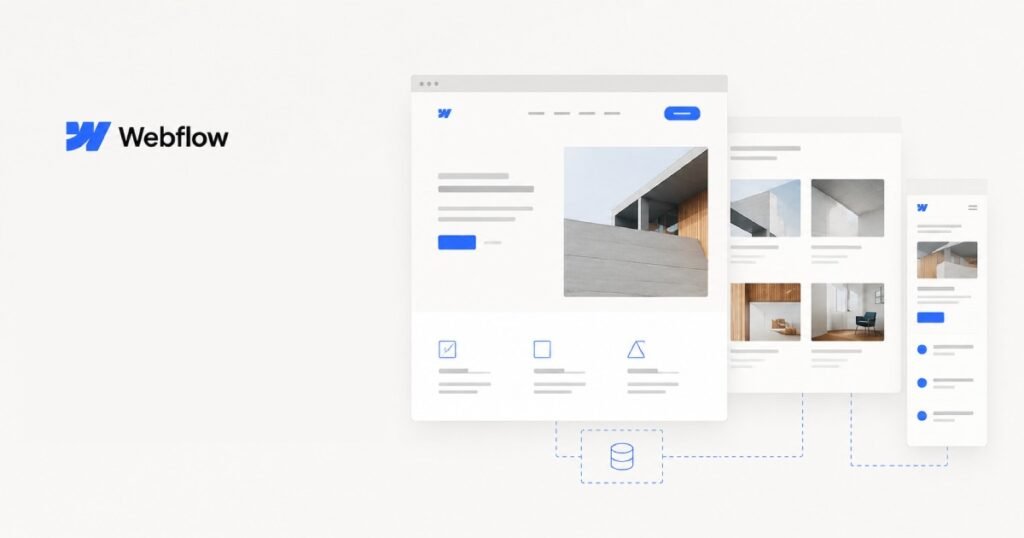
Webflow website development is the process of designing and building websites using Webflow’s visual development platform and CMS.
Unlike a basic template-based website, a professionally developed Webflow website can be built around a company’s specific brand, content structure, user journeys, and business goals.
A Webflow project can include:
- Custom website design
- Responsive development
- CMS collections
- Reusable components
- Interactions and animations
- Forms
- SEO implementation
- Third-party integrations
- Content migration
- Website restructuring
- Performance optimisation
The important part is that Webflow gives designers and developers significant control over the visual and structural aspects of a website.
That makes it particularly interesting for businesses where the website itself is an important part of the brand experience.
Why Businesses Choose Webflow
One of the biggest reasons businesses choose Webflow is the combination of design control and content management.
Traditional website development often involves a separation between design, development, and content management.
Webflow brings many of these activities closer together.
A well-built Webflow website can give marketing teams the ability to update content, publish pages, manage CMS items, and make routine changes without relying on a developer for every small update.
At the same time, developers can create a structured website with reusable components and responsive layouts.
This balance can be valuable for growing businesses.
What Makes Webflow Different From Traditional CMS Platforms?
Webflow approaches website development differently from platforms such as WordPress.
WordPress has an enormous ecosystem of themes, plugins, and extensions. That flexibility is one of its biggest strengths.
Webflow takes a more controlled approach.
Instead of depending heavily on third-party plugins, developers can build much of the website directly within the platform.
This can result in a more controlled website architecture and a cleaner development workflow.
It also means the quality of the initial build matters.
A poorly structured Webflow website can still become difficult to manage. A well-planned Webflow project, on the other hand, can provide a strong foundation for long-term website management.
When Is Webflow a Good Choice?
Webflow can be a particularly strong option for businesses where design, content, performance, and marketing flexibility are important.
B2B Websites
B2B companies often need websites with detailed service pages, case studies, resources, landing pages, and conversion-focused content.
Webflow can provide a flexible environment for building these structures while allowing marketing teams to manage content.
SaaS Companies
SaaS companies frequently need highly polished marketing websites that communicate complex products in a simple way.
Webflow can work well for this type of website because the design system can be closely aligned with the company’s brand.
Agencies and Professional Services
Agencies, consultants, technology companies, and professional service businesses often depend heavily on their website to establish credibility.
A custom Webflow website can provide a more distinctive presentation than a generic template.
Startups
Startups often need to move quickly.
They may need to launch a website, create campaign pages, publish content, and test different messaging without waiting for lengthy development cycles.
Webflow can support this type of workflow when the website is structured correctly from the beginning.
Marketing-Focused Websites
If your website is primarily designed to generate leads, communicate your services, publish content, and support marketing campaigns, Webflow can be a strong fit.
Webflow Design and Development
There is an important difference between building a website in Webflow and professionally developing a Webflow website.
Anyone can start with a template and change colours, images, and text.
Professional development goes much further.
The website should be planned around:
- Brand identity
- User experience
- Information architecture
- Responsive behaviour
- Conversion paths
- CMS structure
- SEO
- Performance
- Future content requirements
The goal isn’t simply to make a website look good.
It should be easy for visitors to understand, easy for your team to manage, and flexible enough to support future growth.
Custom Webflow Development
Custom Webflow development allows a website to be built around the specific requirements of the business.
This can involve custom:
- Page layouts
- Components
- CMS structures
- Navigation systems
- Forms
- Interactions
- Animations
- Landing pages
- Content sections
- Conversion elements
Instead of asking your business to fit into a pre-designed template, the website can be designed around your actual content and customer journey.
That’s particularly useful when differentiation is important.
Webflow CMS Development
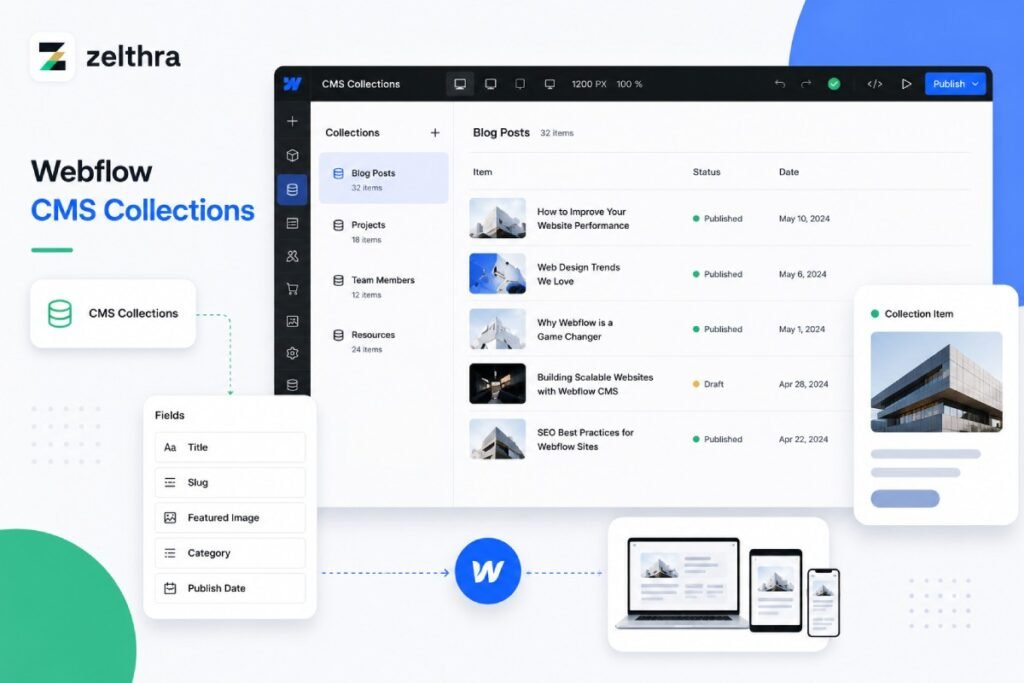
Webflow CMS can be used to manage structured content rather than creating every page manually.
For example, a company might have collections for:
- Blog posts
- Case studies
- Team members
- Services
- Locations
- Resources
- Testimonials
Once the structure has been created, new content can follow the same design system.
This is particularly useful for websites that publish content regularly.
A case study, for example, can follow a consistent structure while still allowing each project to have its own content.
Webflow for SEO
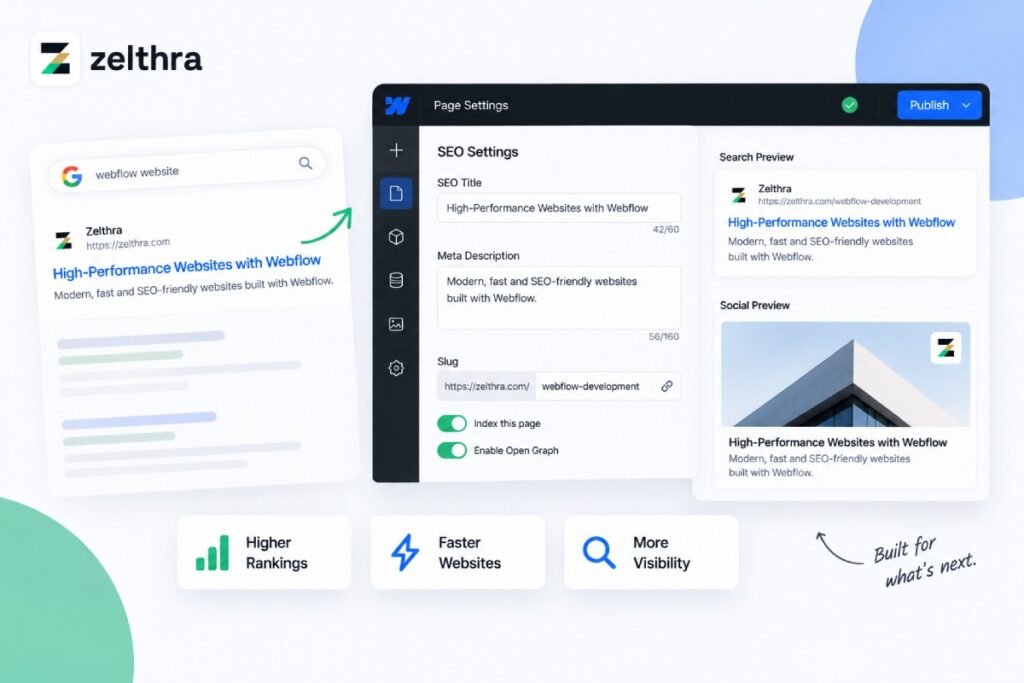
Webflow can provide a solid foundation for SEO, but simply using Webflow doesn’t automatically make a website rank.
SEO still depends on the strategy, content, technical implementation, authority, and competition surrounding the website.
During development, important areas include:
Page Structure
Pages should have a logical hierarchy that makes sense to both visitors and search engines.
Titles and Meta Descriptions
Important pages should have properly optimised metadata.
Headings
Heading structures should clearly communicate the organisation of each page.
URLs
URLs should be descriptive and consistent.
Internal Linking
Related pages should be connected naturally to help users and search engines discover important content.
Images
Images should be appropriately sized, compressed, and given useful alternative text where appropriate.
Redirects
Redirects become particularly important when an existing website is migrated to Webflow.
Structured Data
Schema markup can be implemented where relevant to help search engines better understand certain types of content.
SEO works best when these considerations are incorporated into the website architecture rather than added after the website has already been built.
Webflow Performance and Responsive Design
A website needs to work properly across different devices.
Someone might visit your website from:
- Desktop
- Laptop
- Tablet
- Smartphone
A professional Webflow build should account for these different screen sizes from the beginning.
Responsive development involves more than simply shrinking a desktop design.
Layouts, typography, spacing, navigation, images, buttons, and content sections may all need to behave differently depending on the available screen space.
Performance also matters.
Large images, unnecessary animations, excessive assets, and poorly structured pages can negatively affect the user experience.
A good Webflow development process considers performance while the website is being built.
Webflow Integrations
A website rarely operates completely on its own.
Businesses often need to connect their website with other systems.
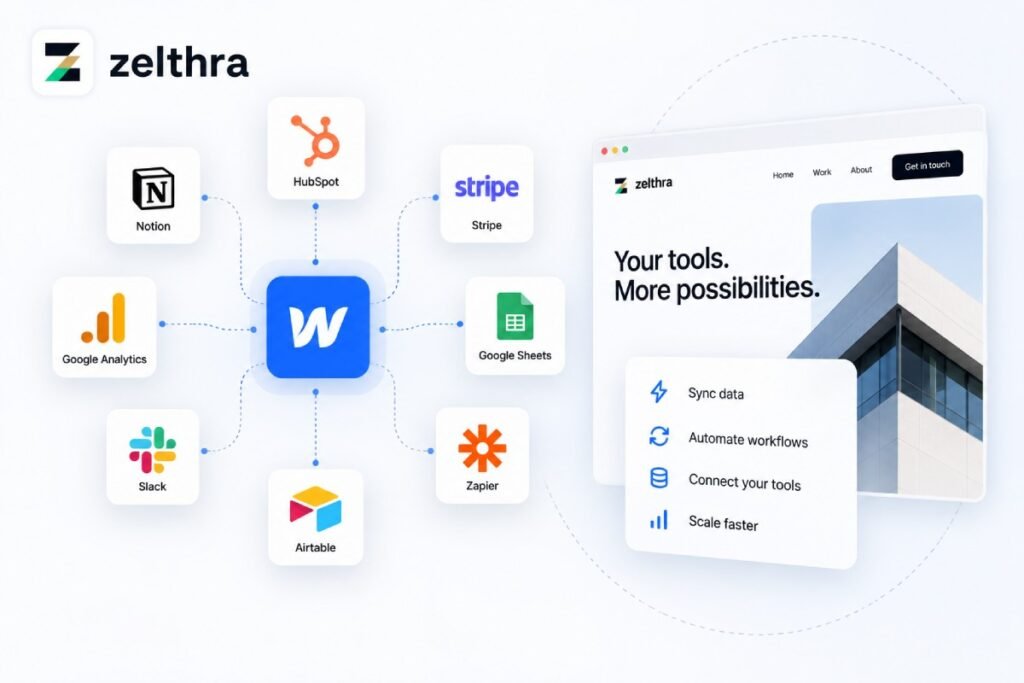
Depending on the requirements, Webflow websites can integrate with tools for:
- CRM
- Email marketing
- Analytics
- Forms
- Payments
- Scheduling
- Customer support
- Automation
- Marketing
- Lead management
For example, a Webflow form might send a lead into a CRM, trigger an email notification, and start an automated follow-up process.
The exact integration approach depends on the tools being used and the requirements of the business.
Webflow Website Migration
Webflow development isn’t limited to new websites.
Businesses can also migrate existing websites to Webflow.
A migration might involve moving from:
- WordPress
- Framer
- Another CMS
- A custom website
- An older website builder
Migration should be treated as a technical project rather than simply copying pages.
Before moving an existing website, you should understand:
- Which pages currently receive traffic
- Which URLs are indexed
- Existing metadata
- Internal links
- Existing redirects
- CMS content
- Forms
- Integrations
- Analytics
- Search performance
A carefully planned migration can improve the website without unnecessarily losing existing SEO value.
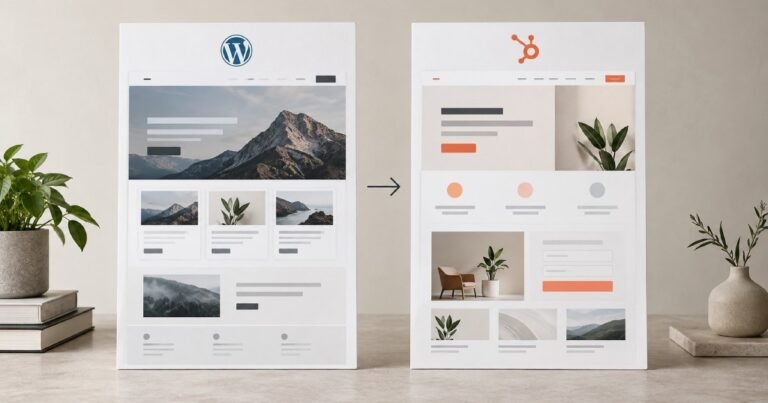
Webflow vs WordPress
Webflow and WordPress can both be excellent choices, but they approach website development differently.
WordPress offers a huge ecosystem and can be extended with themes, plugins, custom development, and integrations.
Webflow provides a more controlled visual development environment and can be particularly attractive for design-focused marketing websites.
The better option depends on your requirements.
If you need a highly extensible CMS with a large plugin ecosystem, WordPress may make more sense.
If design control, structured development, and a streamlined marketing website experience are priorities, Webflow may be worth considering.
We’ve also covered this comparison in more detail in our guide to WordPress vs Webflow vs HubSpot.
Webflow vs HubSpot
Webflow and HubSpot can both be strong choices for business websites, but they solve slightly different problems.
Webflow is particularly strong when the primary priority is the website experience, visual design, and flexible marketing-site development.
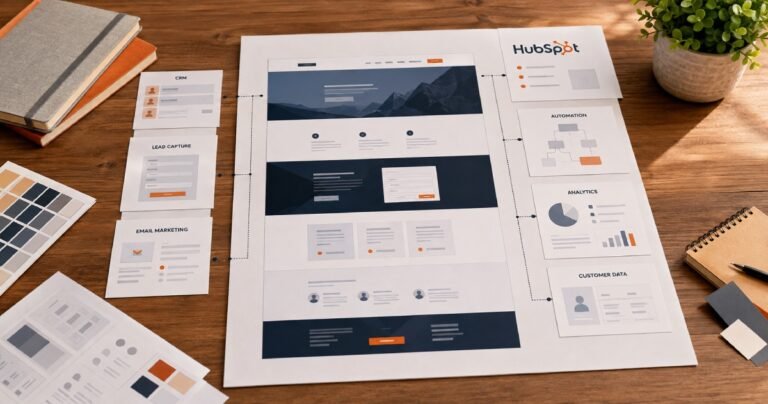
HubSpot becomes particularly attractive when the website needs to operate closely with CRM, lead management, marketing automation, and broader inbound marketing activities.
For a business heavily invested in HubSpot’s CRM and marketing ecosystem, HubSpot may provide a more connected solution.
For a business primarily looking for a sophisticated marketing website with strong design control, Webflow may be a better fit.
The right decision comes down to what you need the website to do.
When Webflow May Not Be the Right Choice
Webflow is powerful, but it isn’t the answer to every website requirement.
You may want to consider another platform if your project requires highly specialised functionality that is better supported elsewhere.
For example, a business with extensive WordPress-specific functionality or a large plugin ecosystem may find WordPress more practical.
Similarly, a company that wants its website deeply integrated with CRM, marketing automation, and sales processes may benefit more from HubSpot.
The goal shouldn’t be to choose the platform that is most popular.
It should be to choose the platform that fits your business.
How Much Does Webflow Website Development Cost?
Webflow development costs vary depending on the scope of the project.
A small marketing website may require a relatively modest investment, while a large custom Webflow website with many pages, CMS collections, animations, integrations, and migration requirements can be significantly more expensive.
Factors that influence cost include:
- Number of pages
- Custom design
- CMS requirements
- Number of templates
- Custom components
- Animations
- Integrations
- Content migration
- SEO requirements
- Content preparation
- Testing
- Ongoing support
When comparing Webflow development quotes, don’t look only at the final number.
Look at what you’re actually receiving.
A cheaper quote may exclude important work that you’ll eventually need to pay for separately.
What to Look for in a Webflow Developer
Choosing the right Webflow developer can have a significant impact on the final website.
Look beyond whether someone knows how to use Webflow.
Ask about their approach to:
- UX
- Responsive development
- CMS architecture
- SEO
- Performance
- Accessibility
- Integrations
- Content management
- Testing
- Website migration
It’s also useful to look at previous work.
A portfolio can tell you whether the developer is capable of producing the level of design and functionality your business needs.
Most importantly, they should understand why something is being built, not simply how to build it.
Our Webflow Development Process
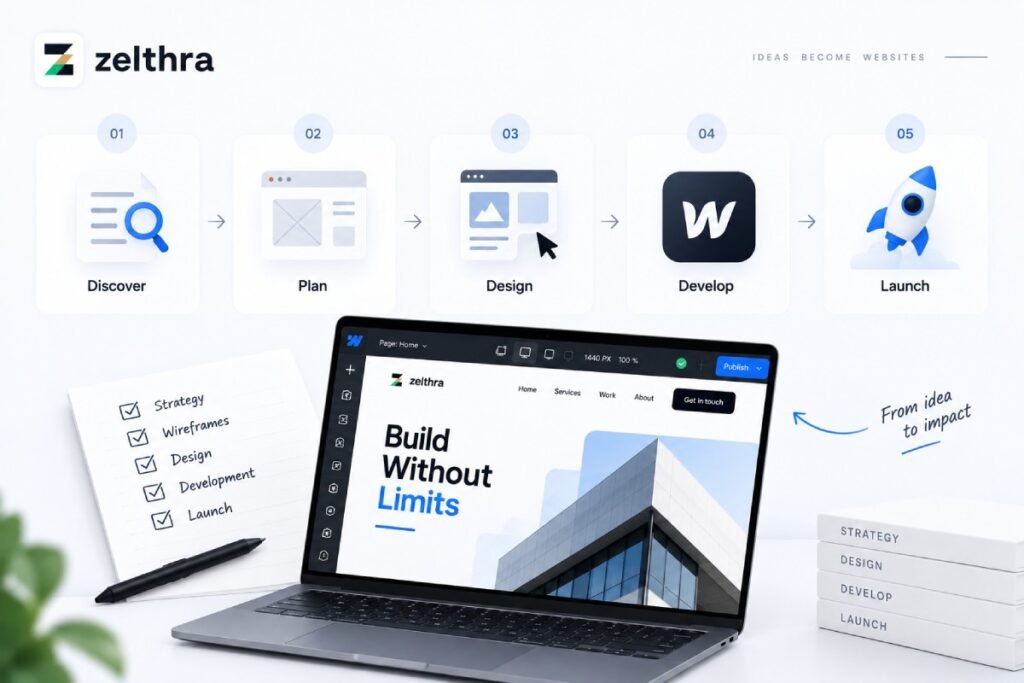
A professional Webflow project should have a clear process.
Discovery
Understand your business, customers, competitors, website goals, and technical requirements.
Strategy
Plan the sitemap, content structure, user journeys, CMS requirements, and conversion paths.
UX and UI Design
Create the page layouts and visual direction before development begins.
Webflow Development
Build the website using structured components, responsive layouts, CMS collections, and reusable elements.
Integrations
Connect forms, analytics, CRM, automation, and other required tools.
SEO
Implement the technical SEO foundations and prepare the website for search visibility.
Testing
Review the website across different devices and browsers and test forms, links, navigation, interactions, and functionality.
Launch
Complete final checks, configure the production environment, and launch the website.
Ongoing Improvements
Use analytics, user feedback, and business requirements to continue improving the website after launch.
Is Webflow Right for Your Business?
The best way to answer this is to look at what you need from your website.
Webflow can be a strong option if you want:
- A professionally designed marketing website
- Strong visual control
- Custom layouts
- Responsive design
- Structured CMS content
- Flexible landing pages
- A manageable content system
- Professional animations and interactions
- A streamlined development environment
But if your business requires a different set of capabilities, another platform may make more sense.
The platform is important, but how the website is planned and developed is even more important.
Frequently Asked Questions
Yes. Webflow can be a strong choice for business websites, particularly companies that prioritise design, responsive development, content management, and marketing flexibility.
Webflow provides a solid technical foundation for SEO, but rankings still depend on factors such as content quality, technical implementation, site structure, authority, competition, and overall SEO strategy.
Webflow can support substantial marketing websites, particularly when the CMS and content architecture are planned properly. Larger or highly complex projects should be evaluated based on their specific requirements.
Yes. Webflow can be used to build custom layouts, components, CMS structures, interactions, and responsive experiences around a business’s specific requirements.
Yes. Existing websites can be migrated to Webflow, but the process should include planning for URLs, redirects, content, metadata, SEO, forms, integrations, and other existing functionality.
Neither platform is universally better. Webflow can be excellent for design-focused marketing websites, while WordPress offers a very large ecosystem and extensive customisation options. The right choice depends on your project.
It depends on your priorities. Webflow can be a strong choice for sophisticated marketing websites, while HubSpot may be more suitable when CRM, marketing automation, and lead management are central to the website strategy.
The cost depends on the design, number of pages, CMS requirements, integrations, animations, migration work, SEO requirements, and overall project complexity.
Final Thoughts
Webflow can be an excellent platform for businesses that want a modern, professional website without sacrificing design control.
But choosing Webflow is only the beginning.
The real value comes from how the website is planned, designed, structured, developed, and maintained.
A successful Webflow website should give visitors a clear experience while giving your internal team the flexibility to manage content and continue growing the site.
Whether you’re launching a new website, redesigning an existing one, or moving from another platform, the right Webflow development approach can turn the website into a much more useful business asset.
At Zelthra, we develop websites across Webflow, WordPress, and HubSpot, choosing the platform based on the requirements of each project rather than forcing every business into the same solution.
Need Help With Your Website?
Whether you need HubSpot CMS development, Webflow development, WordPress development, or technical SEO, Zelthra can help you build a website that performs.